Manage your studio.
Without touching AWS
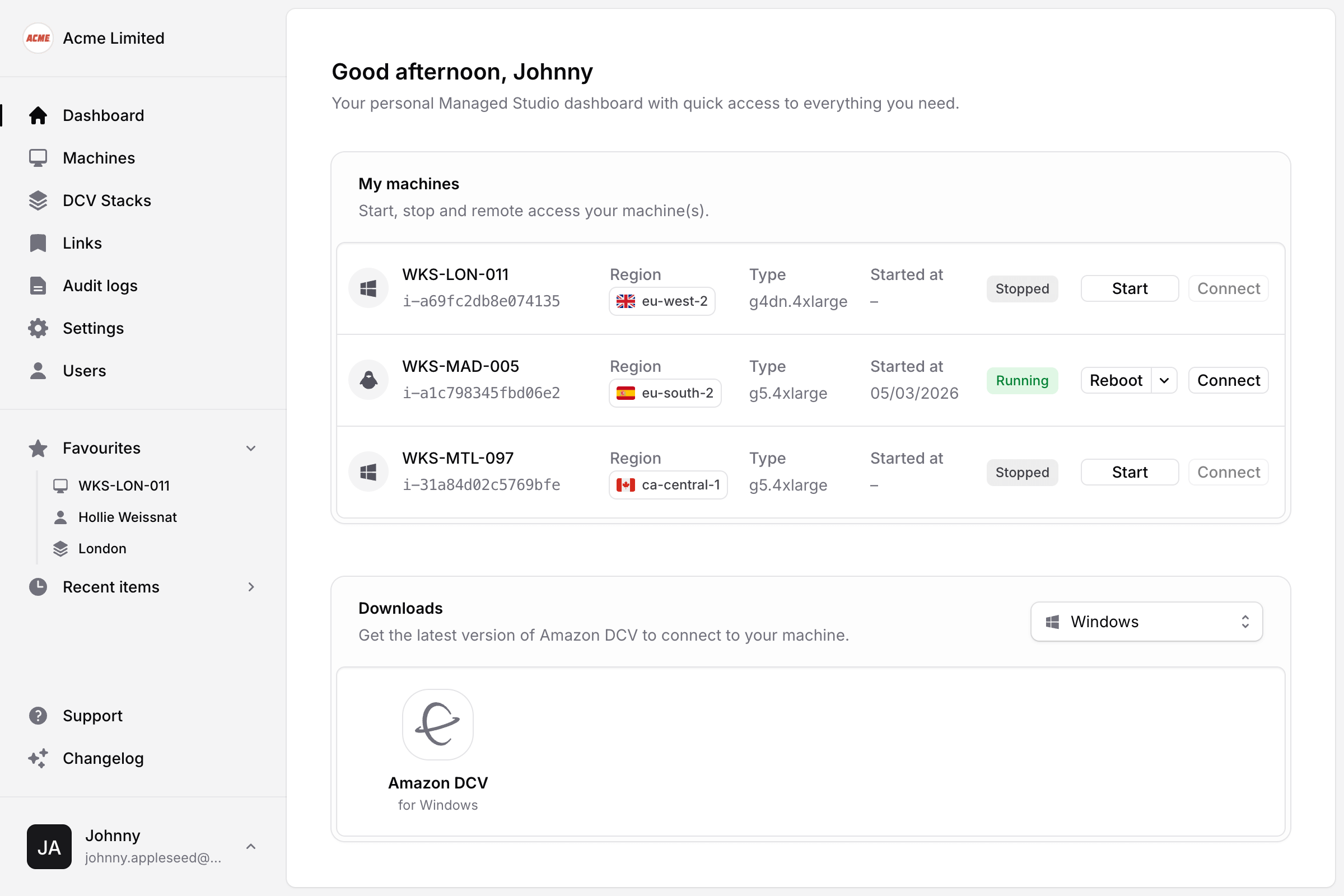
Managed Studio gives admins a clean, purpose-built interface to provision, assign, and monitor cloud workstations — no AWS console required.
Everything you need to run your studio
From provisioning to monitoring, Managed Studio handles the operational layer so your team can focus on creative work.
Machine management
Import existing EC2 instances or provision new ones from templates. Assign machines to users and track 7 days of activity per machine.
Remote access, your way
Connect via DCV, SSH, HP Anyware, or a custom method. Managed Studio auto-detects each user's OS and surfaces the right client.
Scheduled startup
Configure machines to start on a cron schedule. No more early-morning logins just to boot a workstation before the team arrives.
Usage monitoring
Track CPU, memory, GPU, and network per machine. Enable Advanced Metrics for deeper visibility into how your infrastructure is being used.
User & role management
Create users, assign roles — Artist, Support Engineer, Administrator — and control exactly which machines each person can access.
SSO & two-factor auth
Connect your identity provider — including Microsoft Entra ID — and enforce two-factor authentication across the whole studio with a single toggle.
Audit logs
A full record of who did what and when — sign-ins, machine activity, configuration changes. Essential for oversight and troubleshooting.
Custom links
Surface role-specific links on each user's dashboard. Keep your team connected to the tools and resources they need, without the clutter.
Multi-region AWS
Enable only the AWS regions your team needs. Create or import machines across regions from a single, unified interface.
Up and running in minutes
Connect your AWS account, import your machines, and invite your team.
Connect AWS
Add your AWS API credentials and enable the regions your studio operates in.
Import machines
Pull in existing EC2 instances or provision new ones from your templates.
Invite your team
Create users, assign roles and machines, and send activation emails in one step.
Less time in the AWS console.
More time running your studio.
Managed Studio is built for creative studios that need reliability without complexity.
Book a demo
Request sent!
We'll be in touch shortly to arrange a demo.